

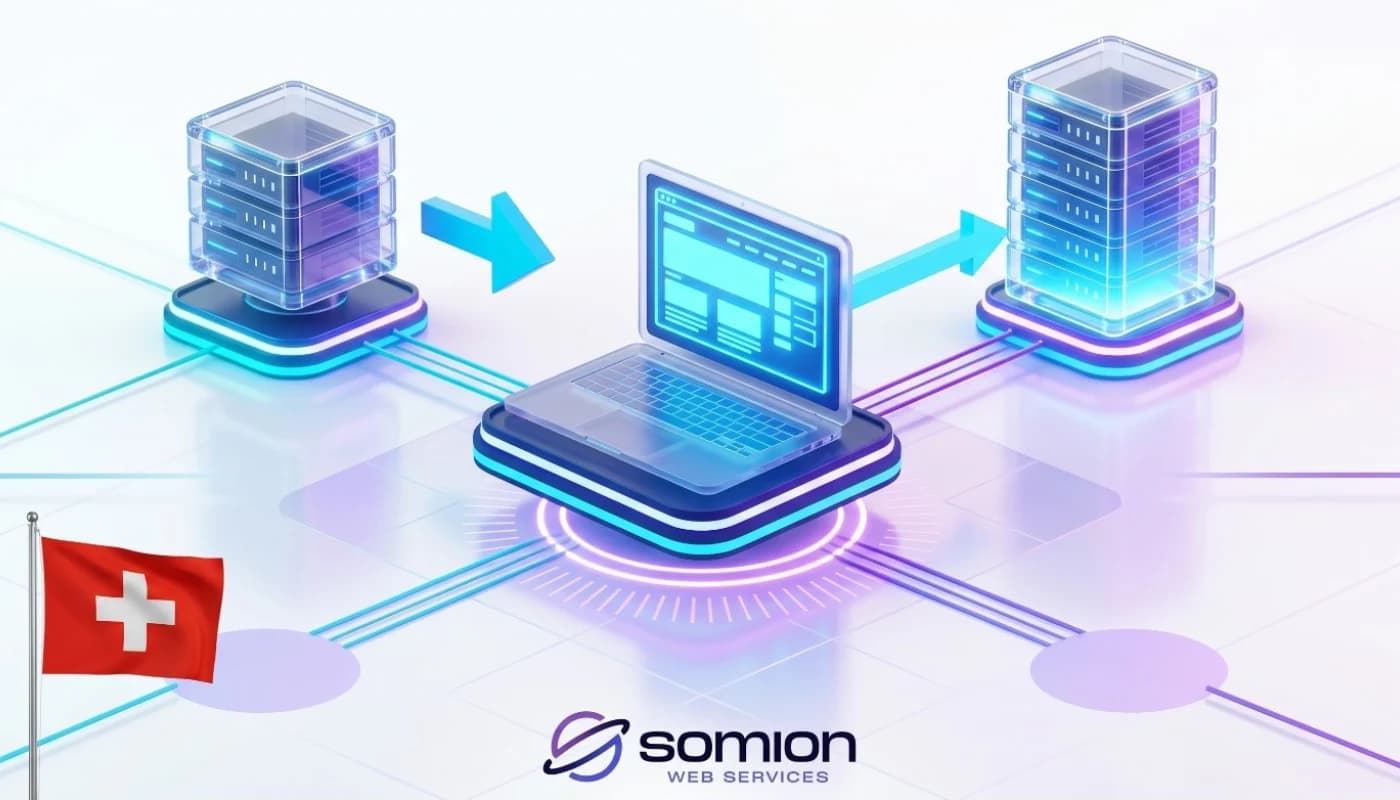
7 Steps to Transfer Website Hosting Without Downtime with Somion 2026
Transferring website hosting without downtime is one of the main concerns for website owners and companies when looking to move to a better hosting provider. Many fear losing data or experiencing long periods of website downtime, which can negatively impact visitors, customers, and the site's search engine performance.
At Somion, we provide professional services that help transfer your hosting safely and smoothly, maintaining website continuity and minimizing any potential impact on users. Whether you run an e-commerce store, a corporate website, or a service platform, moving a website from one host to another requires proper planning and technical expertise to ensure its success.
We also offer advanced web hosting services, VPS hosting solutions tailored for various types of growing projects, and dedicated plans for business website hosting.
What is Meant by Transferring Website Hosting Without Downtime?
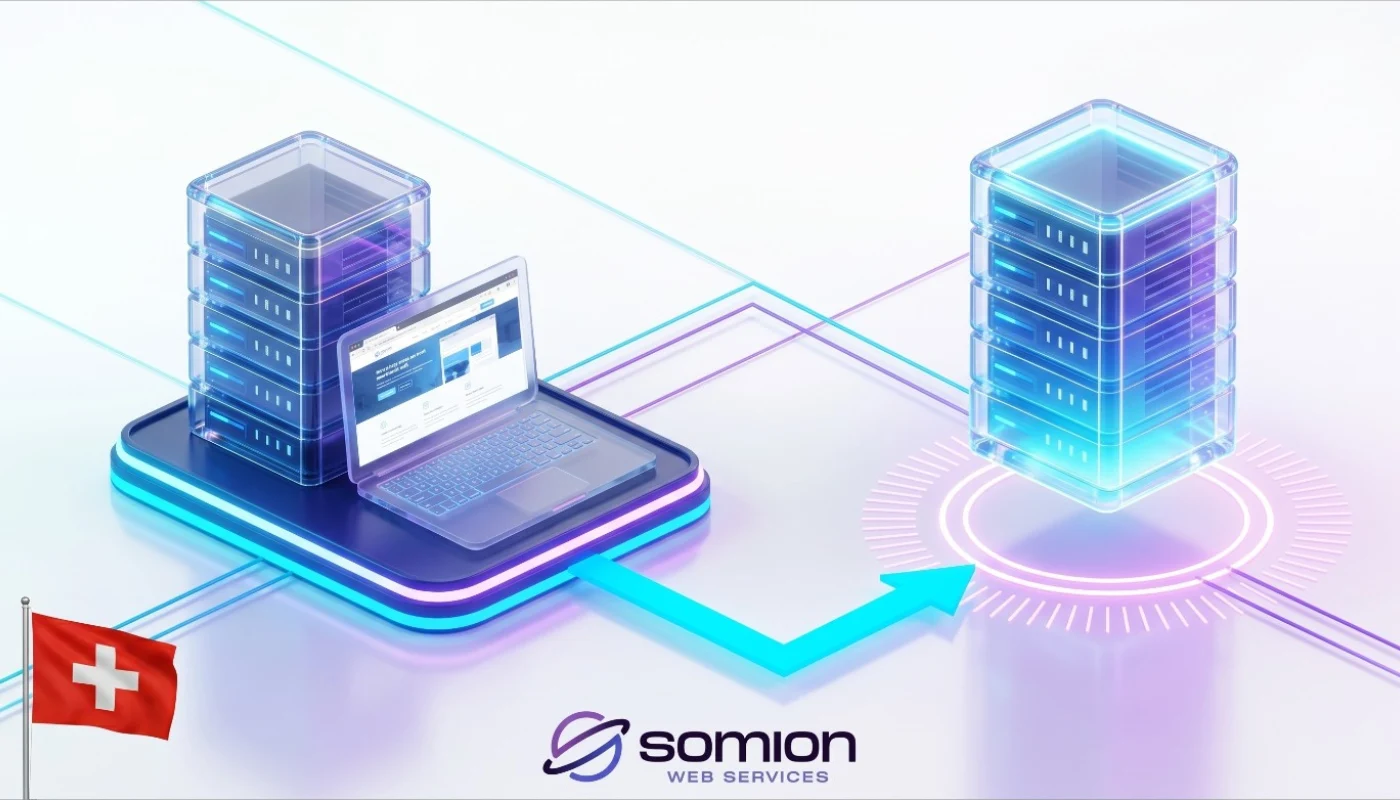
The term "transferring website hosting without downtime" refers to the process of migrating website files, databases, and emails from one hosting company to another while keeping the website fully operational throughout the migration period, or reducing downtime to an absolute minimum.
This process aims to:
Maintain the user experience.
Prevent data loss.
Avoid any negative impact on sales and customers.
Preserve the website's ranking in search engine results.
Therefore, Somion relies on professional procedures that guarantee a safe and efficient website transition.
When Do You Need to Transfer Hosting?
There are several reasons that push website owners to migrate their hosting, including:
Slow website loading speed.
Poor technical support.
High hosting costs.
Need for more resources.
Desire to improve security.
Business expansion and growth.
When these problems occur repeatedly, switching to a more efficient hosting provider becomes a necessary step to boost website performance.
Steps to Move a Website from One Host to Another
The process of migrating a website from one host to another is carried out through a set of organized steps:
Creating a full backup of the website.
Transferring files to the new server.
Migrating databases.
Setting up the email accounts.
Testing the website on the new server.
Updating DNS settings.
Monitoring the website after migration.
Following these steps correctly helps execute the transfer process safely without affecting the website's operation.
Importance of Robust Web Hosting After Migration
After completing the migration process, choosing a powerful web host becomes a crucial factor in the website's success.
Good hosting provides:
Faster loading speeds.
Continuous uptime and stability.
Strong data protection.
Quick technical support.
Scalability for future growth.
At Somion, we assist clients in choosing the most appropriate plan based on the size of the website and the expected number of visitors.
VPS Server Hosting for Growing Websites
When migrating a website experiencing continuous growth, VPS server hosting might be the best option.
This type of hosting offers:
Independent dedicated resources.
Higher performance.
Better security.
Greater control over server settings.
Flexible scalability.
Because of this, many companies and e-commerce stores that require stable and consistent performance rely on it.
Business Website Hosting After Migration
Business website hosting requires a stable and secure environment, especially if the website relies on receiving customer orders or processing online sales.
Key advantages of commercial hosting include:
High uptime and stability.
Advanced security.
Fast response rates.
Professional technical support.
Readiness for expansion and growth.
Somion provides specialized hosting solutions that suit various business activities.
How to Guarantee a Successful Migration Process?
The success of transferring website hosting without downtime depends entirely on good planning and professional execution.
To ensure a successful process, you must:
Create up-to-date backups.
Test the website before final migration.
Ensure all databases are fully transferred.
Review links and pages.
Monitor website performance post-migration.
All these measures help avoid issues and ensure the website continues to function normally.
Benefits of Migrating to a Better Host
When hosting migration is executed properly, the website can reap numerous benefits:
Improved loading speed.
Increased website stability.
Enhanced security.
Reduced technical glitches.
Better user experience.
Support for business growth.
Thus, choosing a powerful hosting company like Somion can make a significant difference in long-term website performance.
How to Choose Your New Hosting Company?
Before migrating your website from one host to another, you must make sure to choose a reliable hosting provider.
Look for a provider that offers:
Robust infrastructure.
High uptime percentage.
Advanced security features.
Regular automated backups.
Fast response technical support.
Flexible plans that adapt to website growth.
At Somion, we focus on providing professional hosting solutions that help website owners achieve the best possible performance.
Connect with Somion via Facebook
You can reach out to the Somion team via Facebook to get a free consultation on transferring website hosting without downtime and choosing the best hosting plan that fits your website's needs.
FAQ (Frequently Asked Questions)
1. What is meant by transferring website hosting without downtime?
It means moving the website from one hosting company to another while minimizing downtime to the absolute limit, keeping the site working normally during the migration process.
2. Can a website be transferred without data loss?
Yes, when the migration is done correctly and a full backup is created before starting, the website can be transferred without losing any data.
3. How long does the hosting transfer process take?
It depends on the size of the website, the number of files, and databases. However, with proper planning, the transfer is usually completed within a short period.
4. Does migrating the website affect Google rankings?
If the transfer process is executed professionally and without errors, there is typically no negative impact on the website's ranking.
5. Must the website be shut down during the migration?
In most cases, the hosting transfer can be done without downtime, or with a very limited window that most visitors will not even notice.
6. What is the difference between shared hosting and VPS after migration?
VPS server hosting provides independent, dedicated resources and higher performance compared to shared hosting.
7. Can emails be transferred as well?
Yes, email accounts and their settings can be migrated as part of the comprehensive transfer process.
8. Does the migration process require technical experience?
It is preferred to be handled by specialists to guarantee the success of the process and avoid errors that could affect the website.
9. Why choose Somion for hosting migration?
Because Somion provides technical expertise, continuous technical support, and advanced hosting solutions tailored to all types of websites.
10. What should I do after the migration is complete?
You must fully test the website, review pages, ensure the email system works, and monitor overall performance during the first few days.